Highpoint RocketRAID 3530 User's Guide Page 13
- Page / 52
- Table of contents
- BOOKMARKS

- RocketRAID 3530/3540 1
- SATAII Host Adapter 1
- User’s Guide 1
- Copyright 2
- Trademarks 2
- Table of Contents 3
- Customer Support 4
- Congratulations 5
- 2 - Kit Contents 7
- RocketRAID 3540 8
- RocketRAID 3530 8
- 2 – LED Connections 10
- 3 – Hardware Installation 11
- 4 - Verifying Installation 12
- 5 - Battery Backup 12
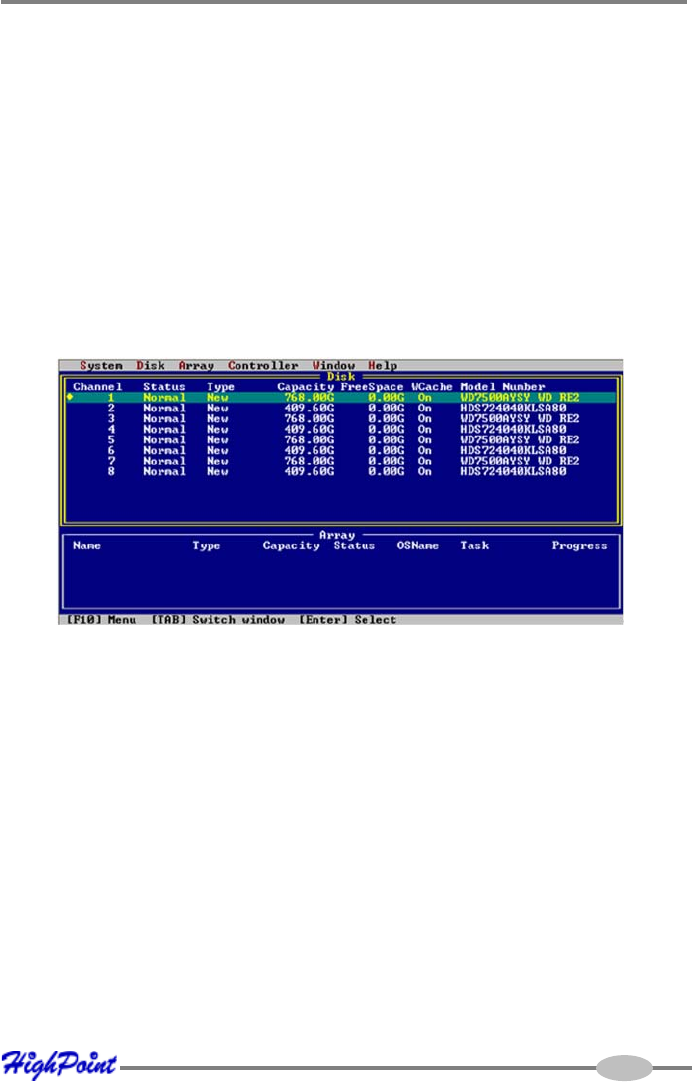
- RocketRAID BIOS Utility 13
- Using the BIOS Utility 14
- Logging In 15
- BIOS Commands 16
- 2 - Creating RAID Arrays 18
- Creating Arrays: 19
- 3 - Deleting Arrays 23
- Disk/Array Status 24
- Controller Information 25
- Event Log 25
- 5 - Maintaining Arrays 27
- Controller Settings 28
- Device Settings 29
- Spare Disks 30
- Verifying Arrays 31
- Set Boot 32
- Hot-Swap 32
- Window Menu 34
- Management 35
- Management Utility 45
- Contact Us 50
- Thank You 52
Related products and manuals for Interface cards/adapters Highpoint RocketRAID 3530
 (71 pages)
 (2 pages)
© 2020, manymanuals.com. All rights reserved. | 0.041 s |
 Manymanuals.com
 Manymanuals.de
 Manymanuals.fr
 Manymanuals.it
 Manymanuals.pl
 Manymanuals.cz
 Manymanuals.es
 Manymanuals-pt.com
Comments to this Manuals